Where to find them
Besides the Elementor elements, MLS Genie adds seven widgets for your theme's widget areas — the sidebar and footer. Open Appearance › Widgets in WordPress admin, click + in a widget area and search for MLS Genie. Each widget has its own settings once added.
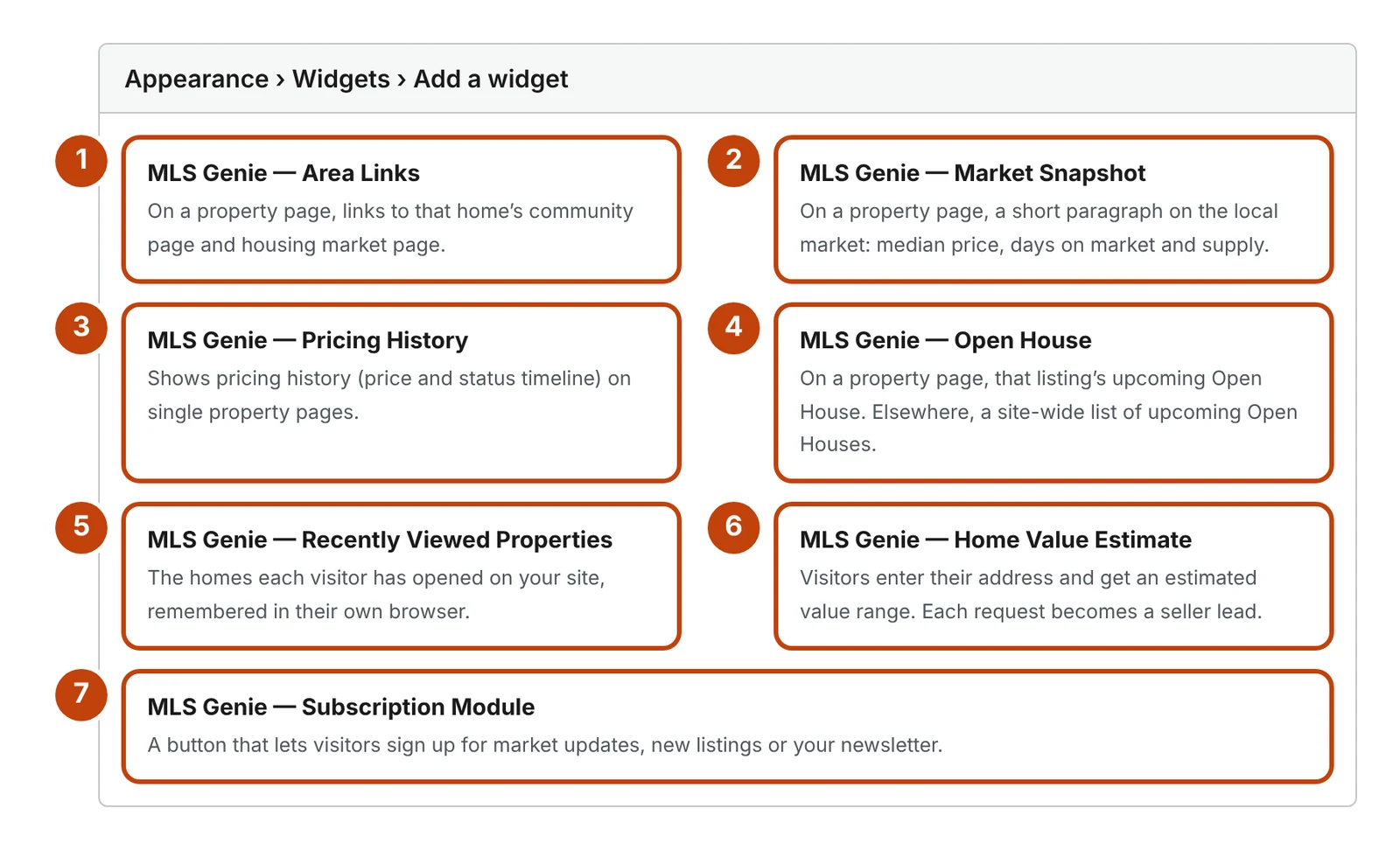
- Area Links — on a property page, links to the home's community page and housing market page.
- Market Snapshot — on a property page, a short paragraph on the local market: median price, days on market and supply.
- Pricing History — the price and status timeline on a property page.
- Open House — on a property page, that listing's upcoming open house; elsewhere, a site-wide list of upcoming open houses.
- Recently Viewed Properties — the homes each visitor has opened, kept in their own browser and hidden until they have opened one.
- Home Value Estimate — visitors enter their address and get an estimated value range; each request becomes a seller lead.
- Subscription Module — a button that signs visitors up for market updates, new listings or your newsletter, and creates a contact in your CRM.
Widgets or Elementor elements?
Use these widgets in a theme sidebar or footer. Inside a page you design with Elementor, use the matching element instead — Area Links, Market Snapshot, Price & Property History, Open House, Recently Viewed Properties, Home Value Estimate and Keep Me Updated — which have full style settings.

